Studio OS — Designing the Operating System for a Design Studio
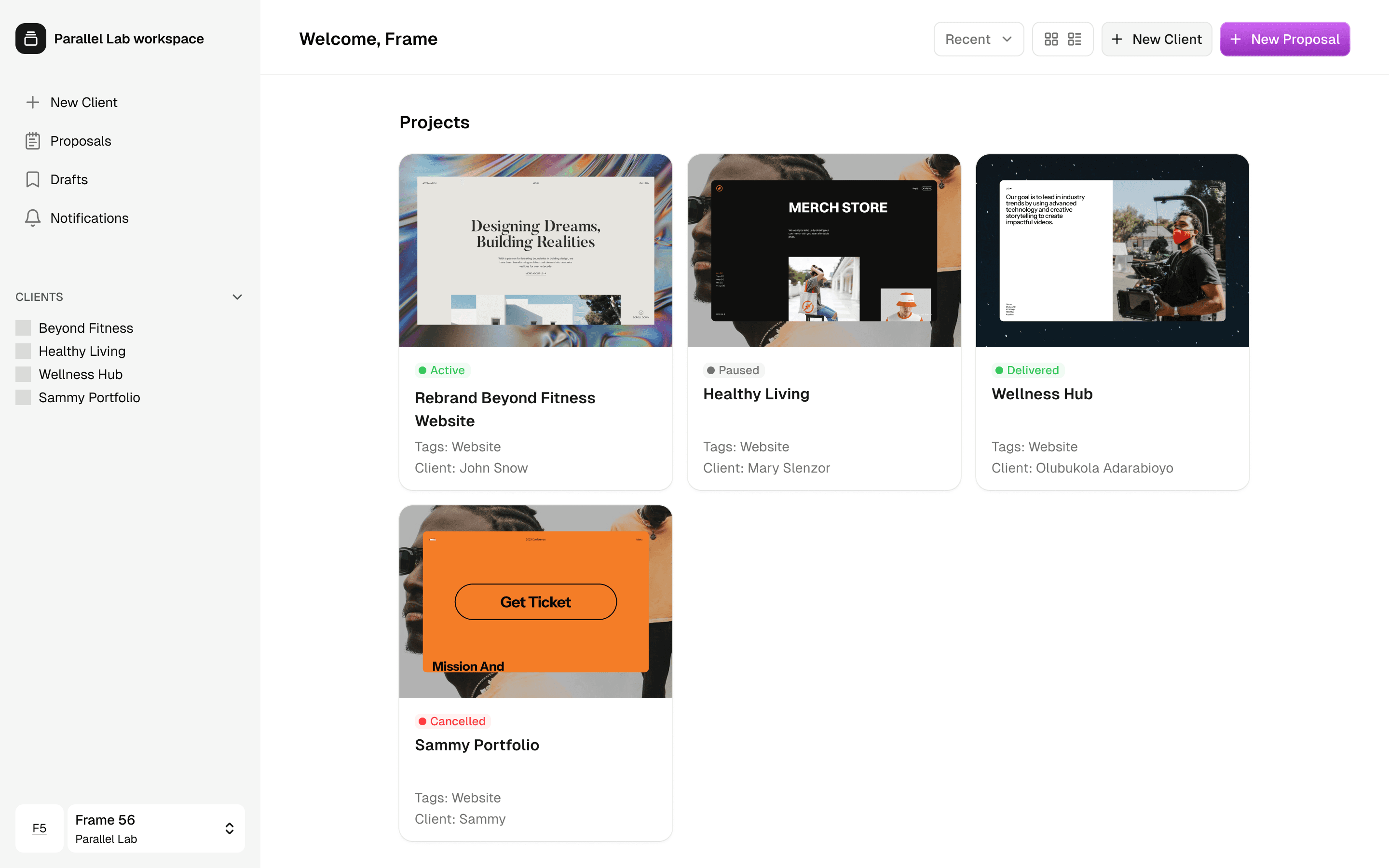
Role
Co-founder, Product Lead, Designer
Problem
Small design studios do great work but operate on fragile foundations. Client relationships are managed informally — over WhatsApp groups, PDF invoices sent to chat threads, verbal agreements that get disputed later. The result is late payments, unclear scopes, and a constant low-grade anxiety that the business could come undone at any moment over a misremembered conversation.
The existing tools — HoneyBook, Bonsai, Proposify — solve this for Western freelancers using Stripe. None of them are built for how a Lagos-based studio actually operates, with Nigerian and international clients, Paystack as the payment infrastructure, and a workflow that starts from a WhatsApp call rather than a CRM entry.
Process
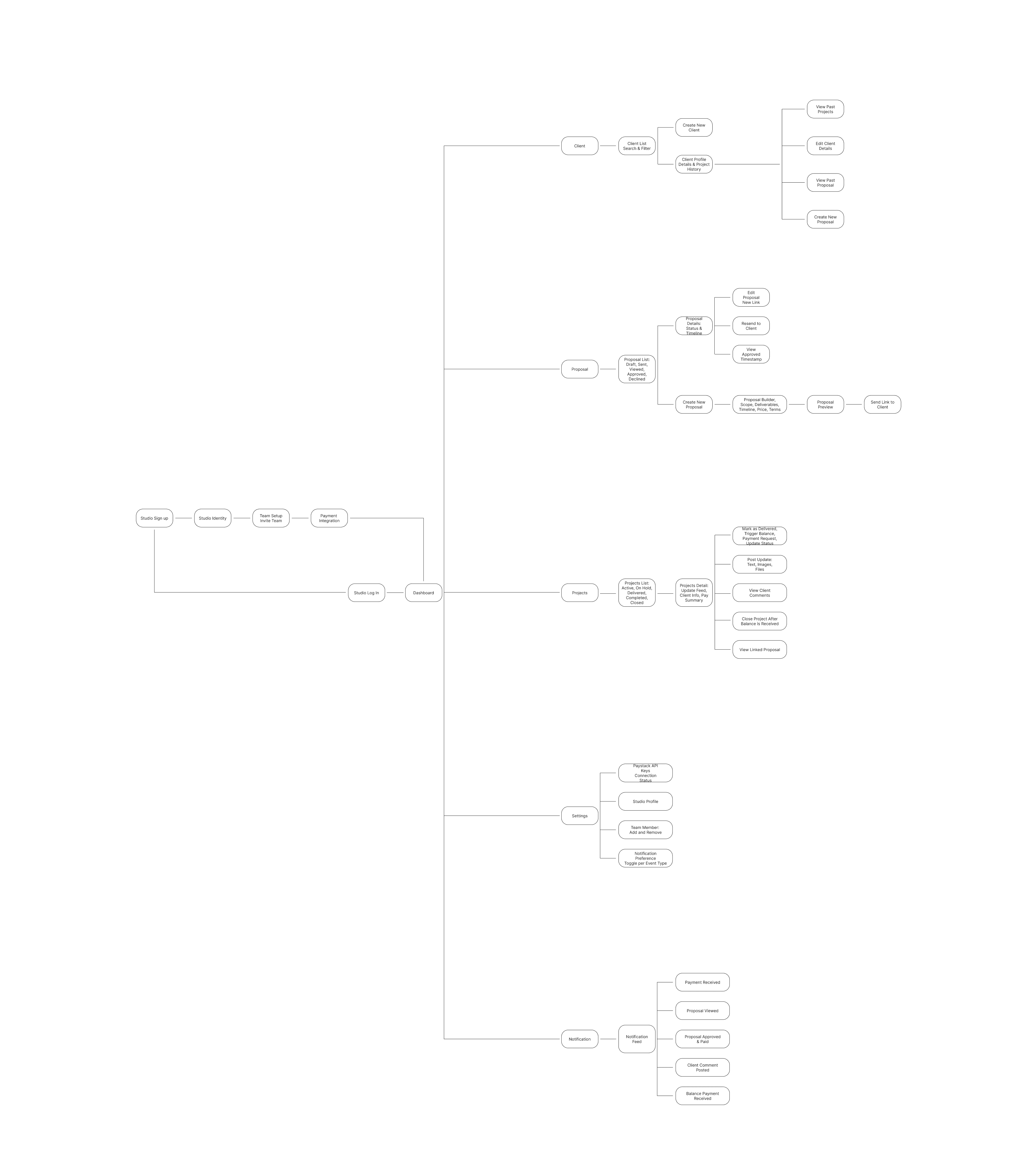
I organized the work into the core phases of a client engagement:
Propose → Approve → Pay → Work → Deliver.
The first question was what the bottleneck actually was. After mapping our own workflow, it became clear that the breakdown happened in three specific moments: the proposal (informal, no paper trail), the payment (no mechanism to collect it without chasing), and the project communication (everything buried in WhatsApp with no structure).
I talked through these pain points with the team on alignment calls, mapped flows and edge cases in Figma while we spoke, and iterated on the information architecture before moving to any visual design.
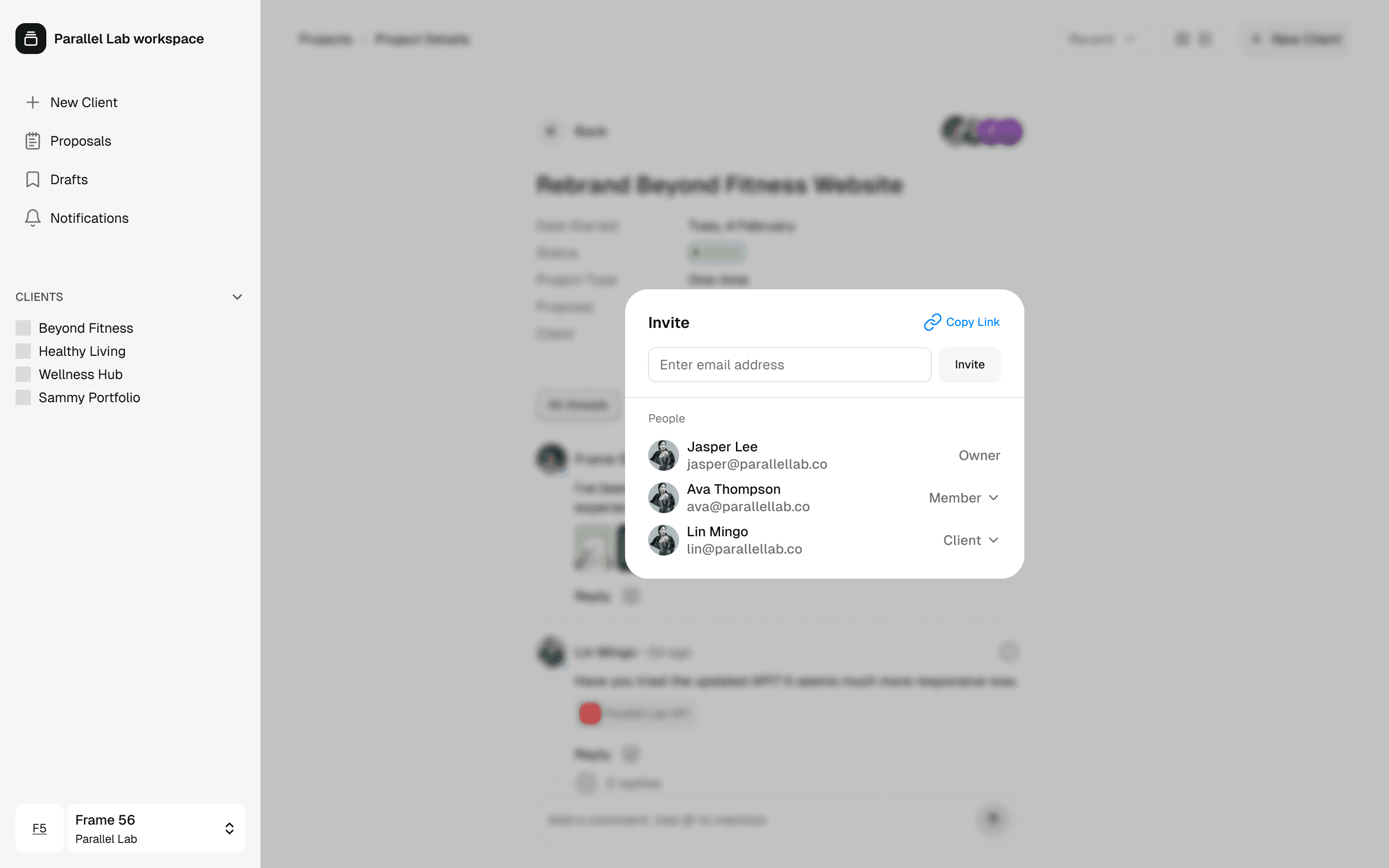
The most important structural decision was around client accounts. Initially I designed the client experience as link-based — no login required, just open a URL and approve. But as I worked through the flows, two problems surfaced: asking someone to enter card details on an unfamiliar page they've never visited is a trust problem, and without an account, clients have no persistent way to leave feedback or track their project over time.
The solution was to create client accounts automatically in the background when a studio creates a client profile. When the first proposal is sent, the client receives the proposal link alongside a prompt to claim their account with a single step — just setting a password. No signup form, no onboarding friction. The account already exists; they're just activating it. This solved both problems at once and transformed Studio OS from a proposal tool into a proper client portal.
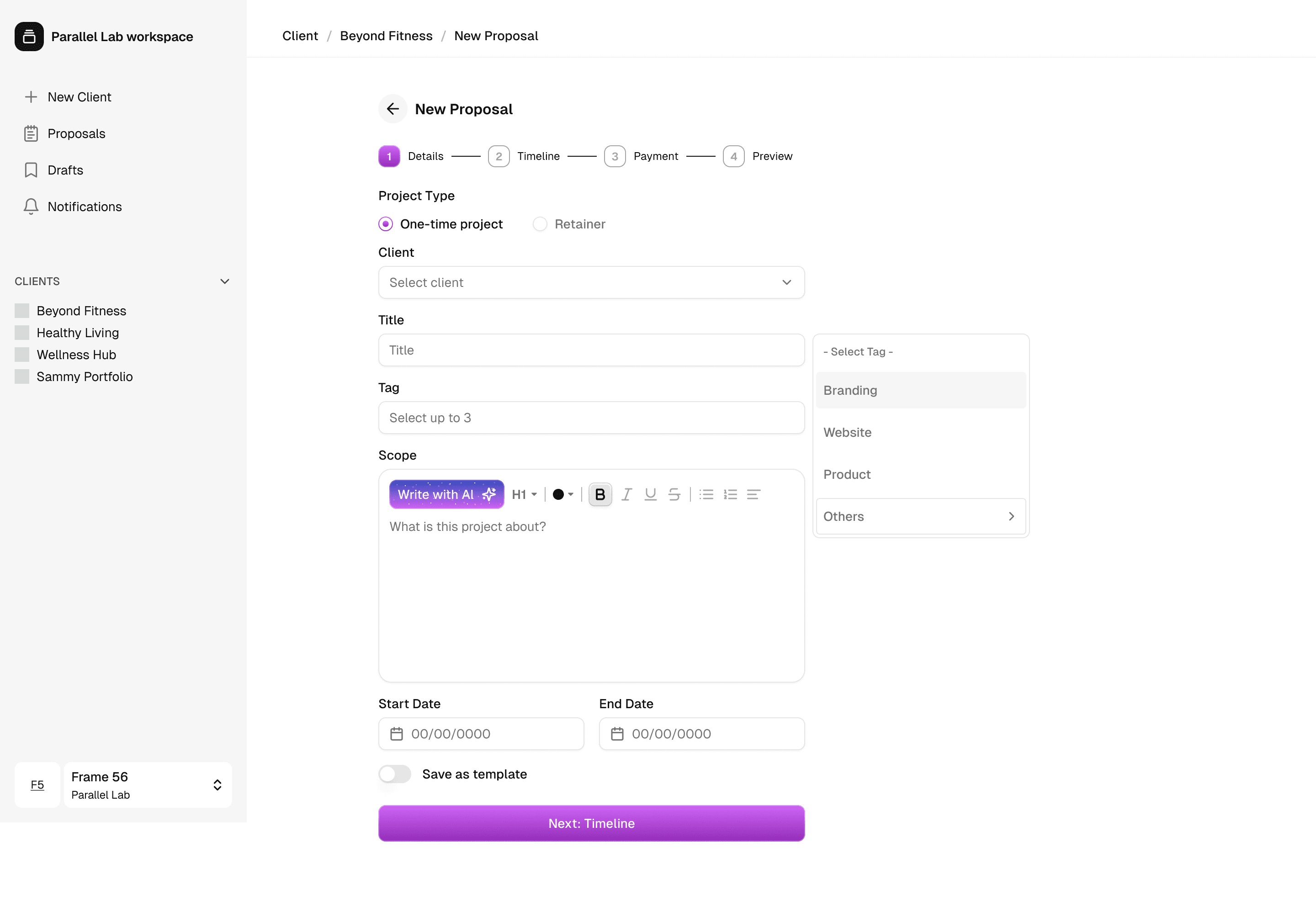
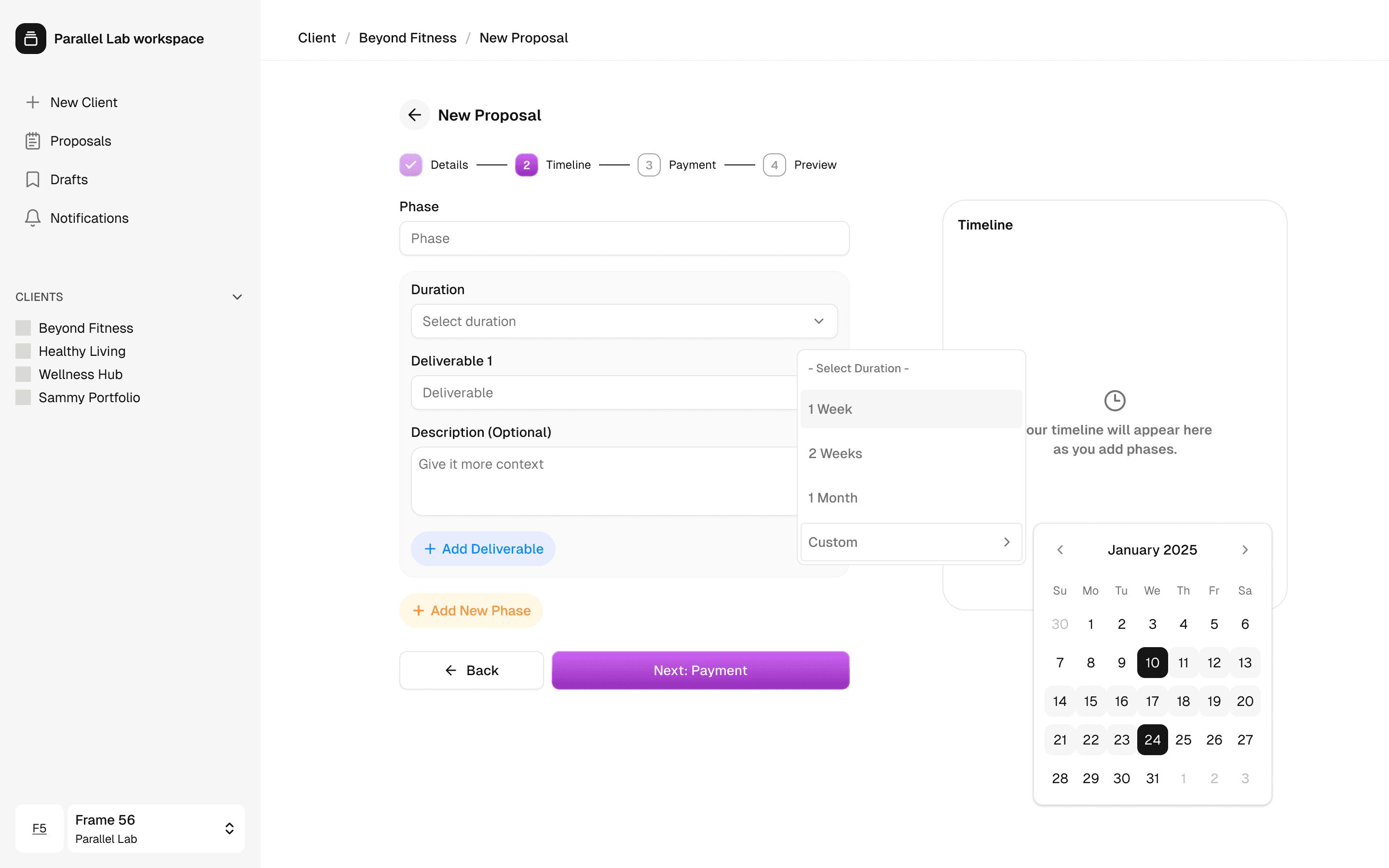
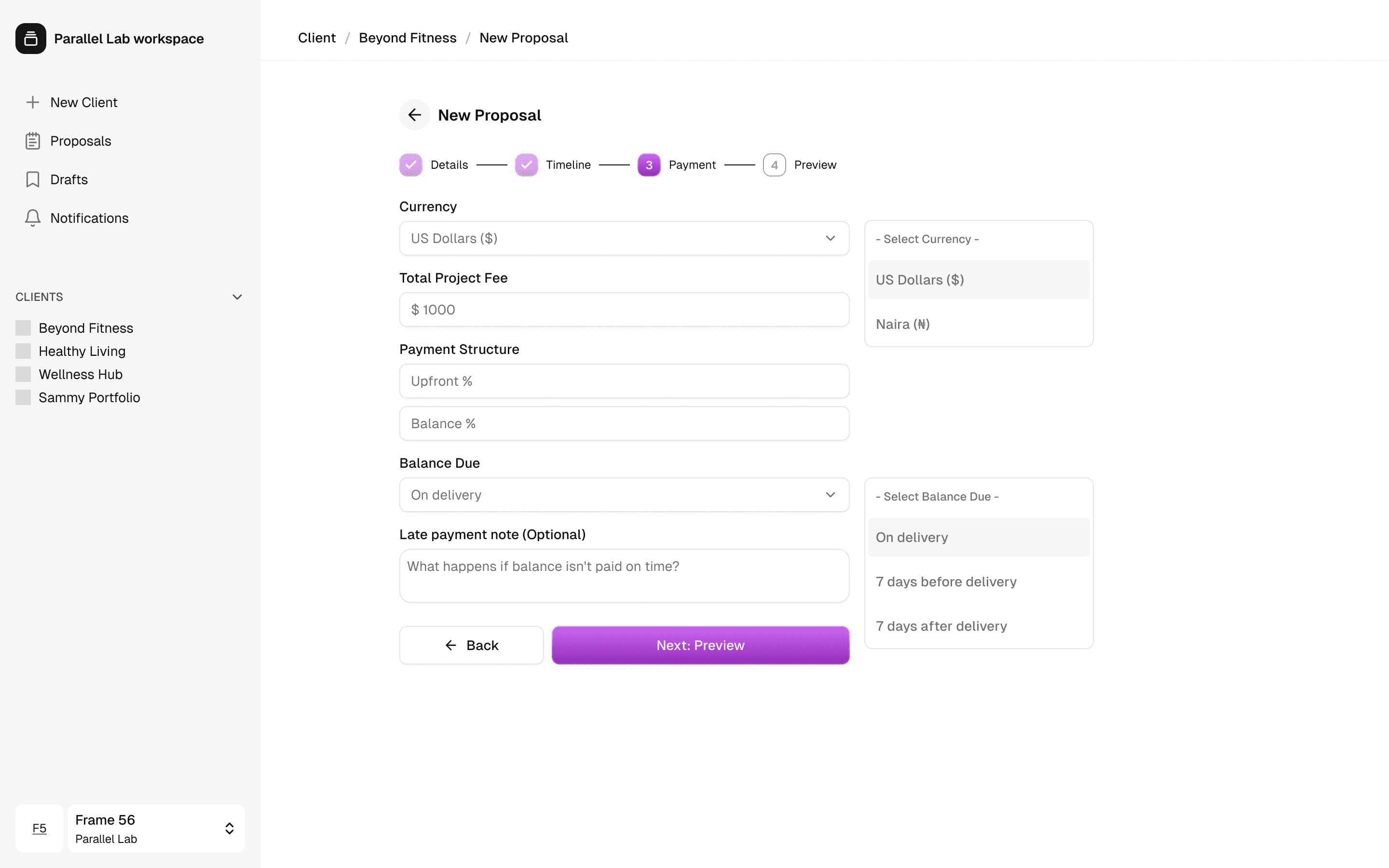
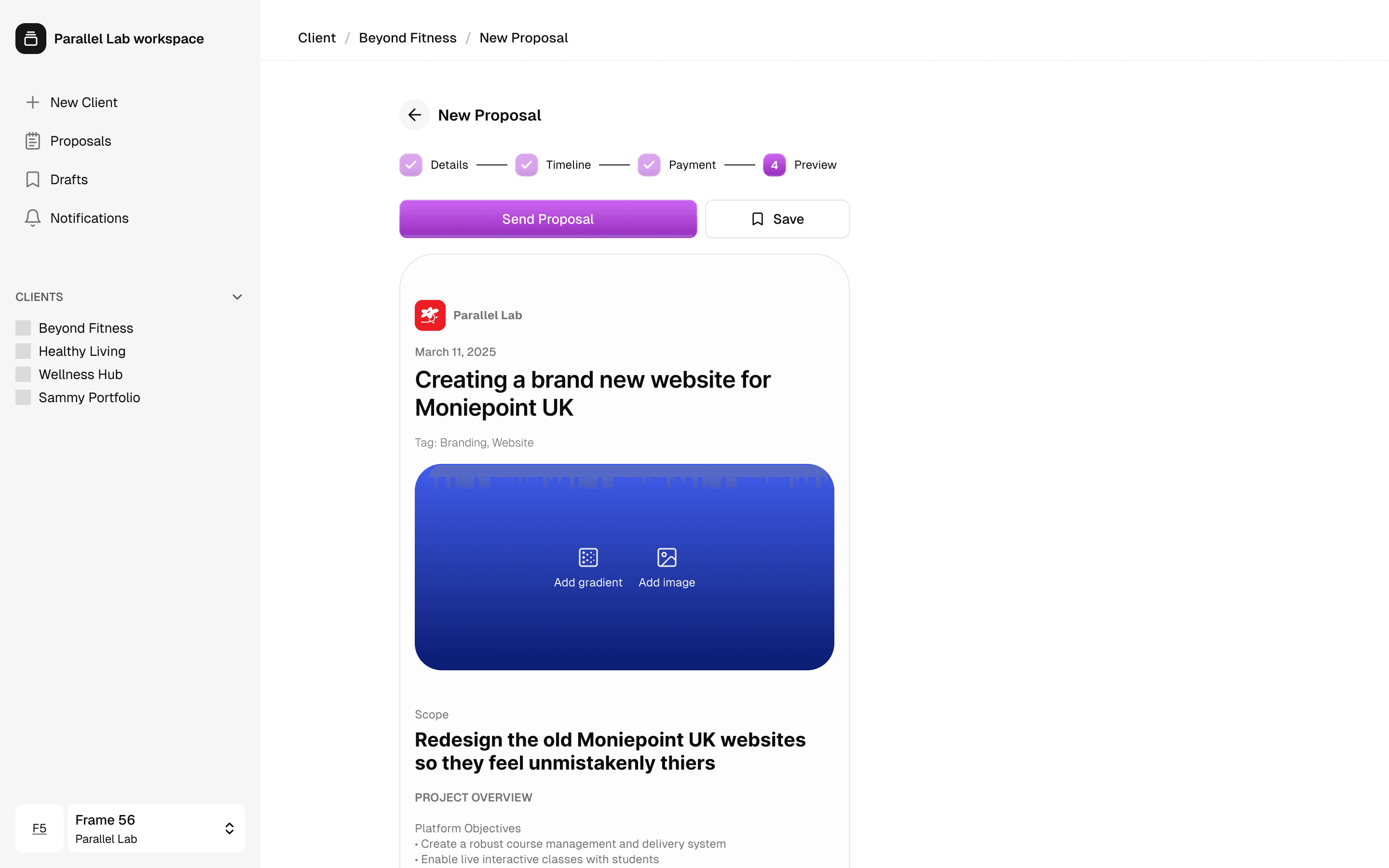
Proposals: The proposal builder follows a multi-step flow: Details → Timeline → Payment → Preview. As the studio fills in each section, a live preview panel on the right mirrors exactly what the client will see — the same branded page, updating in real time. This gives the studio immediate confidence before sending.
The timeline section uses a phase-based structure. The studio adds phases — Pre-sprint, Week 1, Week 2 — and deliverables nest inside each phase. Duration is set per phase, and the system calculates the full project timeline automatically. On the client-facing proposal page, this renders as a clean vertical timeline that communicates exactly what's happening and when.
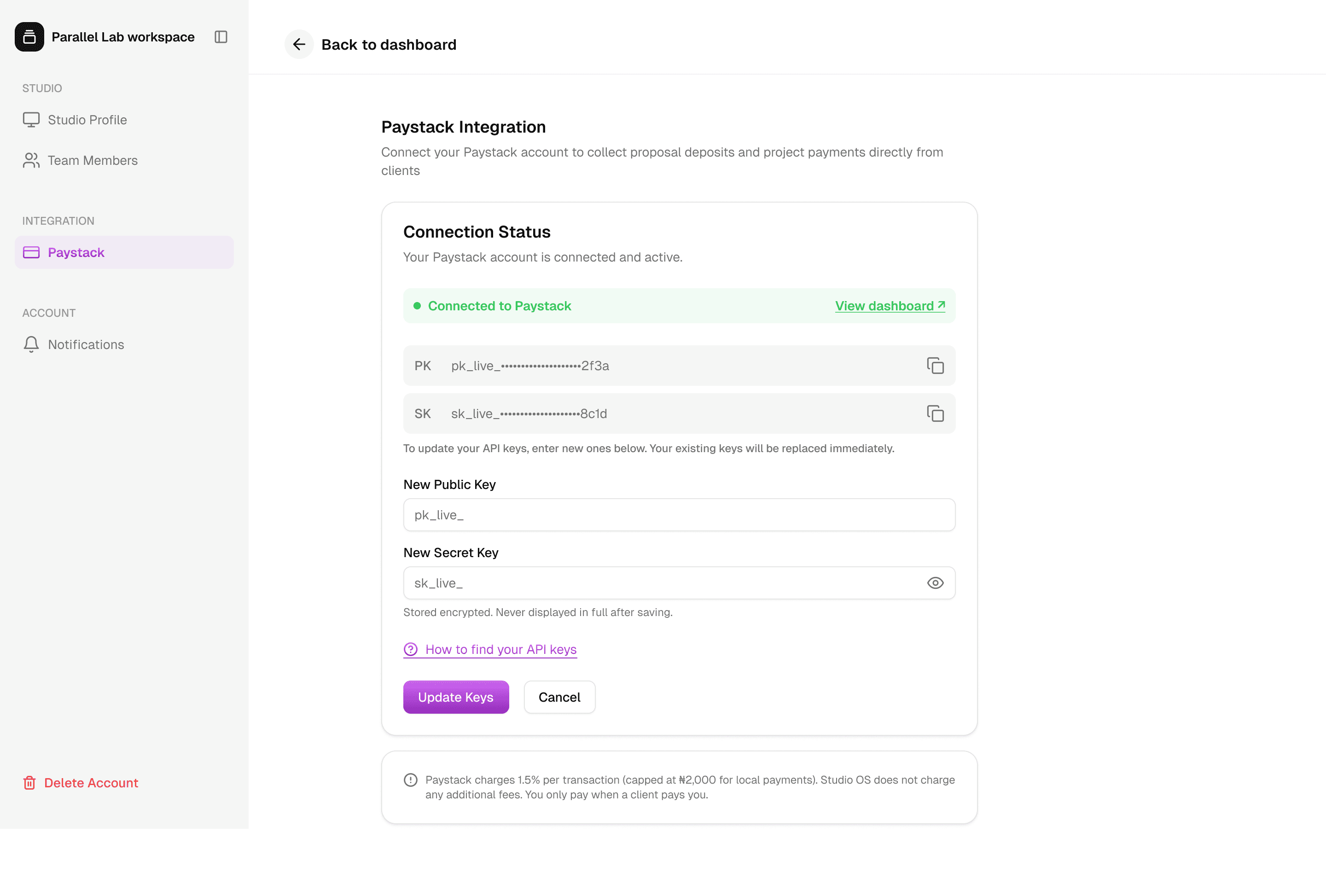
The payment section handles both one-time projects and retainers. For one-time projects, the studio sets a total fee and an upfront percentage — the balance is calculated automatically. For retainers, the fields adapt entirely: monthly fee, billing cycle, duration, and notice period replace the upfront/balance structure. The project type toggle lives in the Details step, so every subsequent screen adapts accordingly.
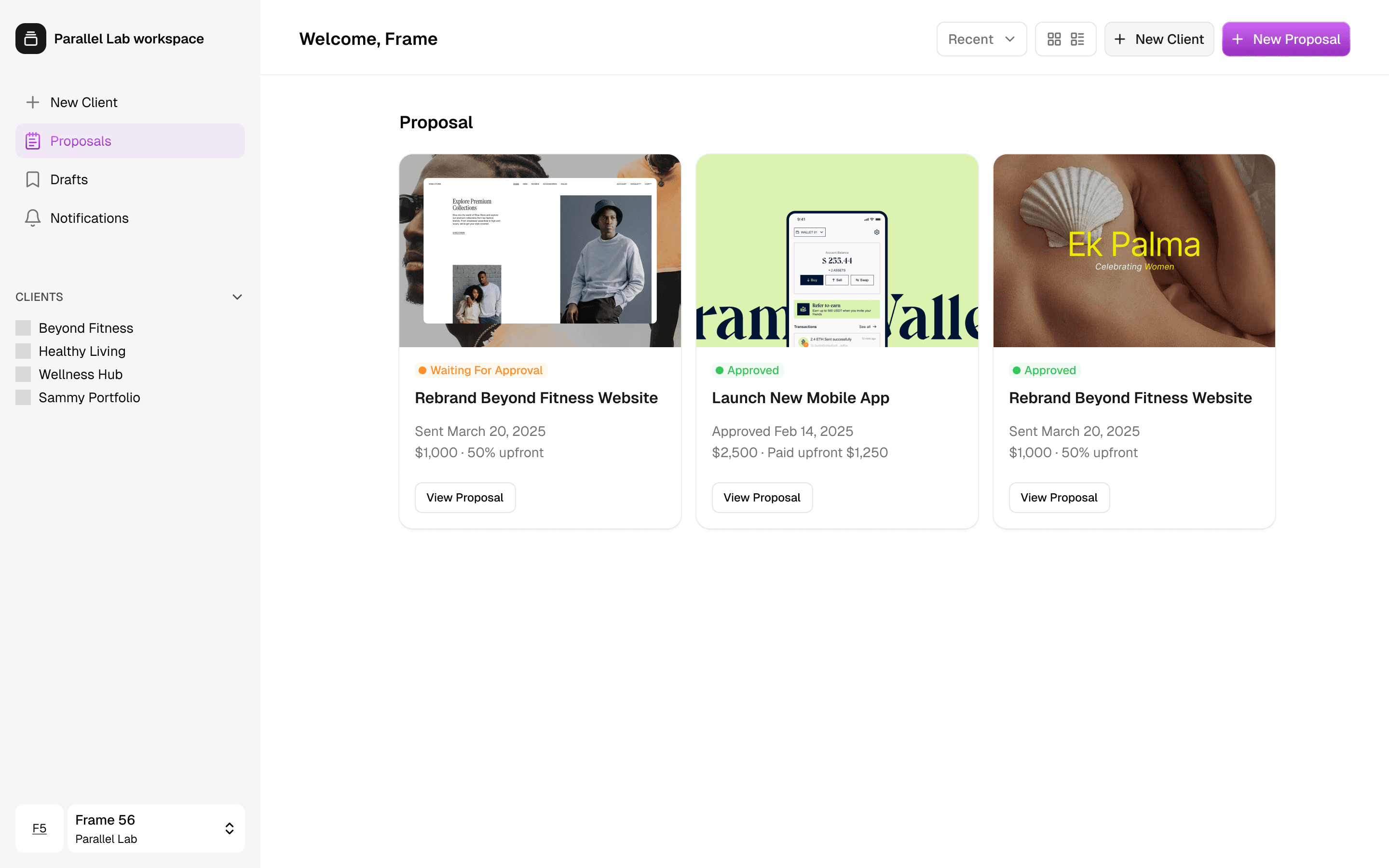
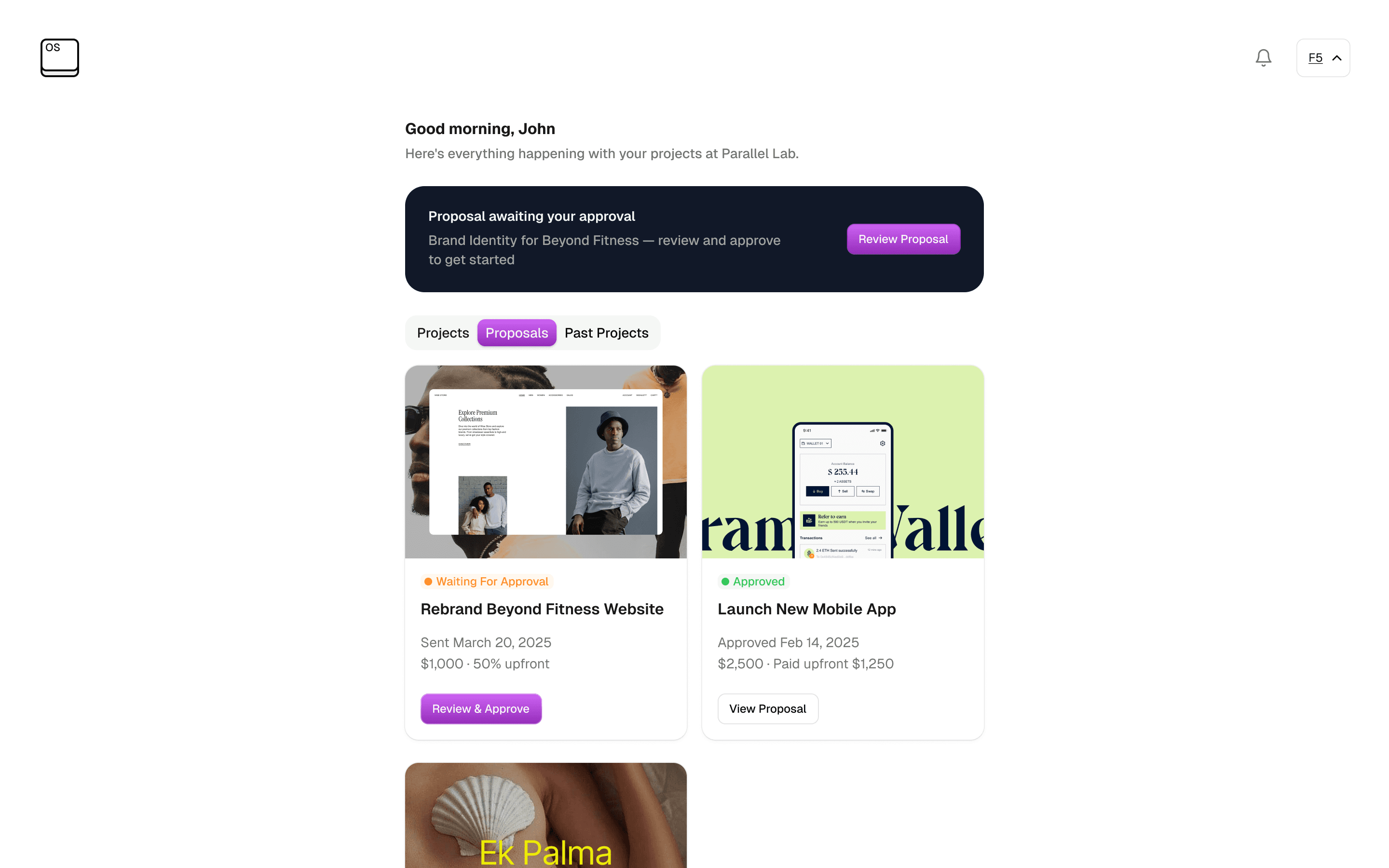
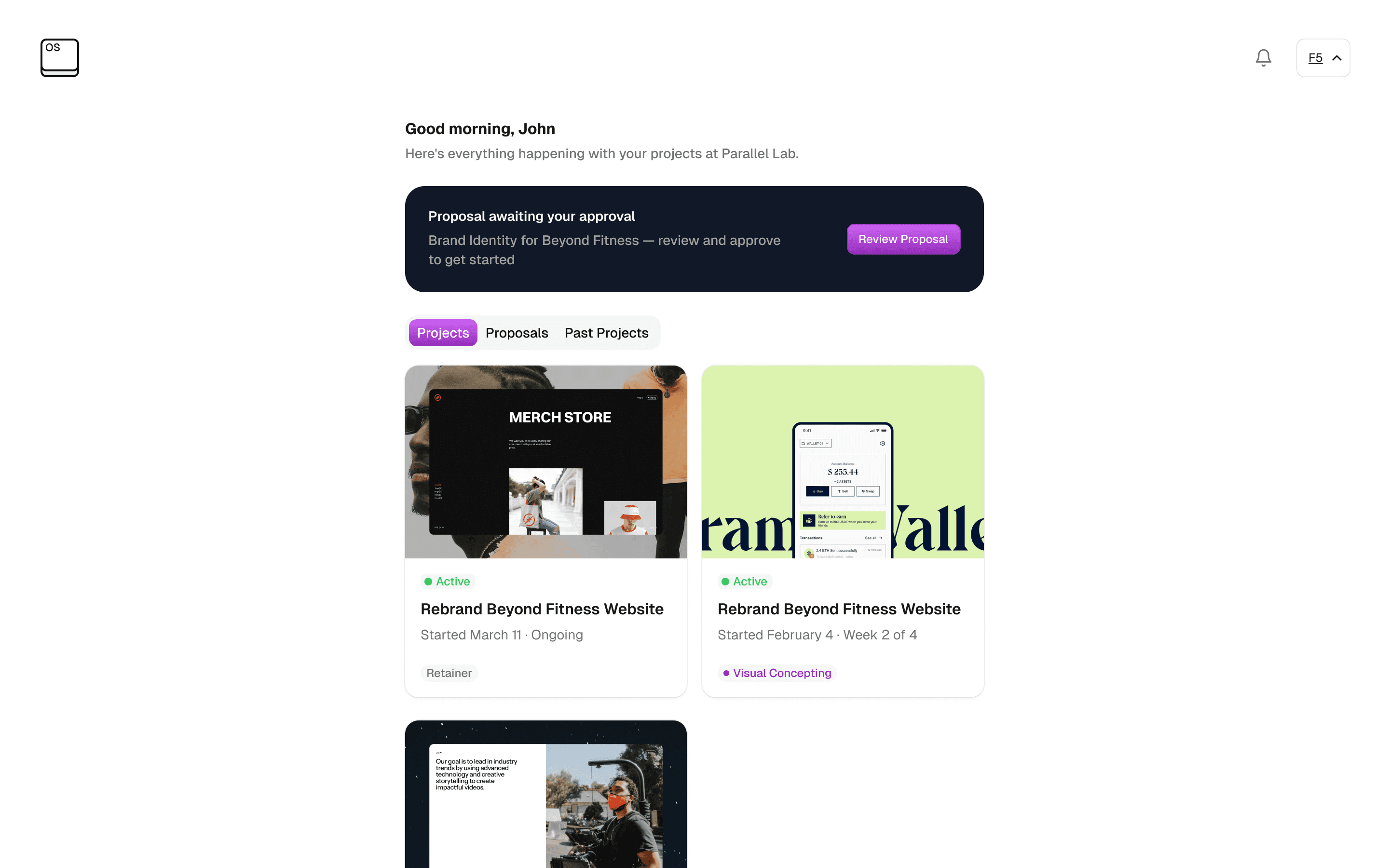
Client experience: When a client receives a proposal, they land on a branded page that shows the full scope, timeline, and payment breakdown. The primary action — Approve & Pay — has the upfront amount directly on the button. Below it, the balance and its due date are clearly stated. Clicking triggers a Paystack checkout that collects the deposit immediately. The approval is timestamped. A project is created automatically. Work begins.
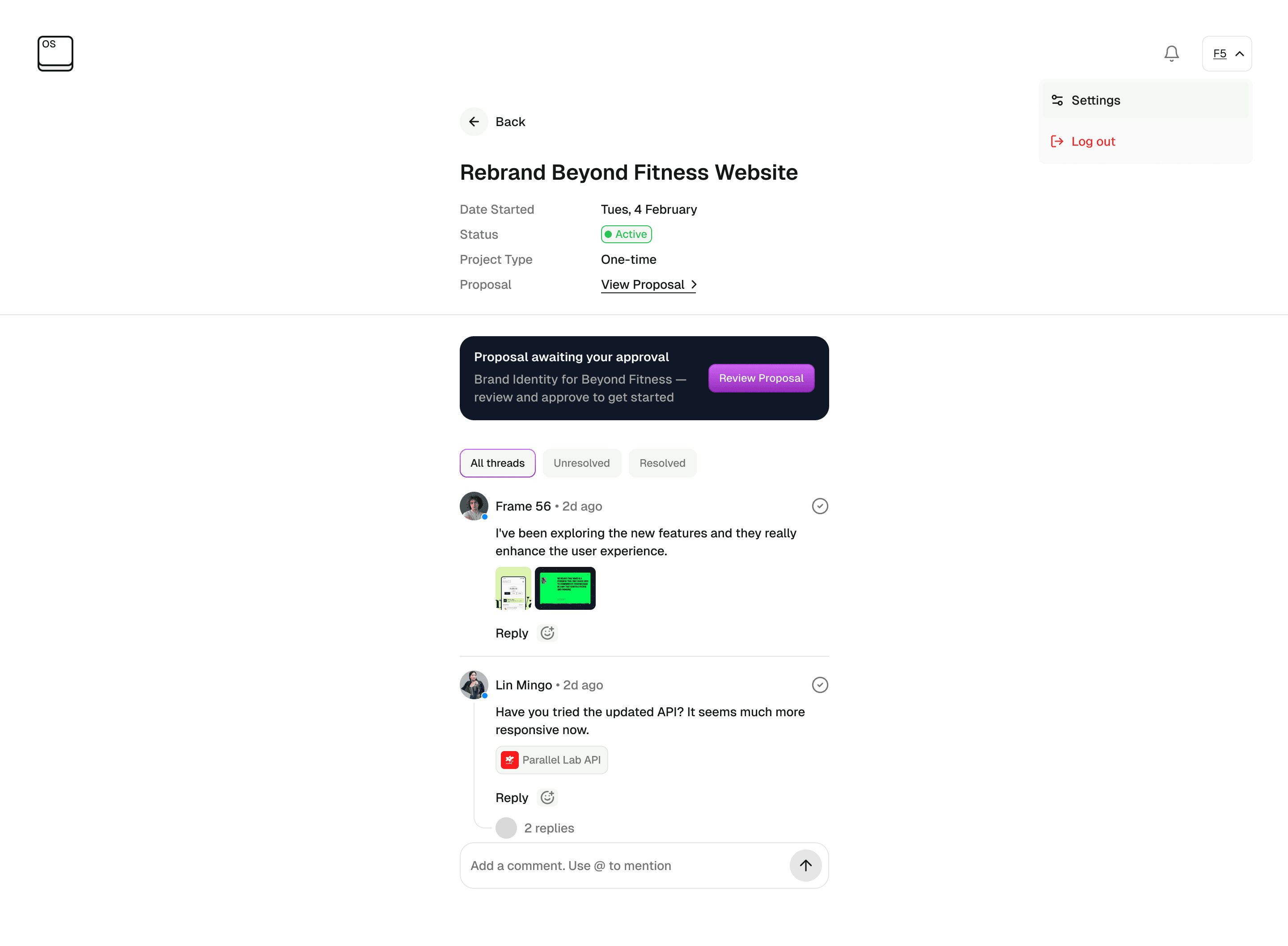
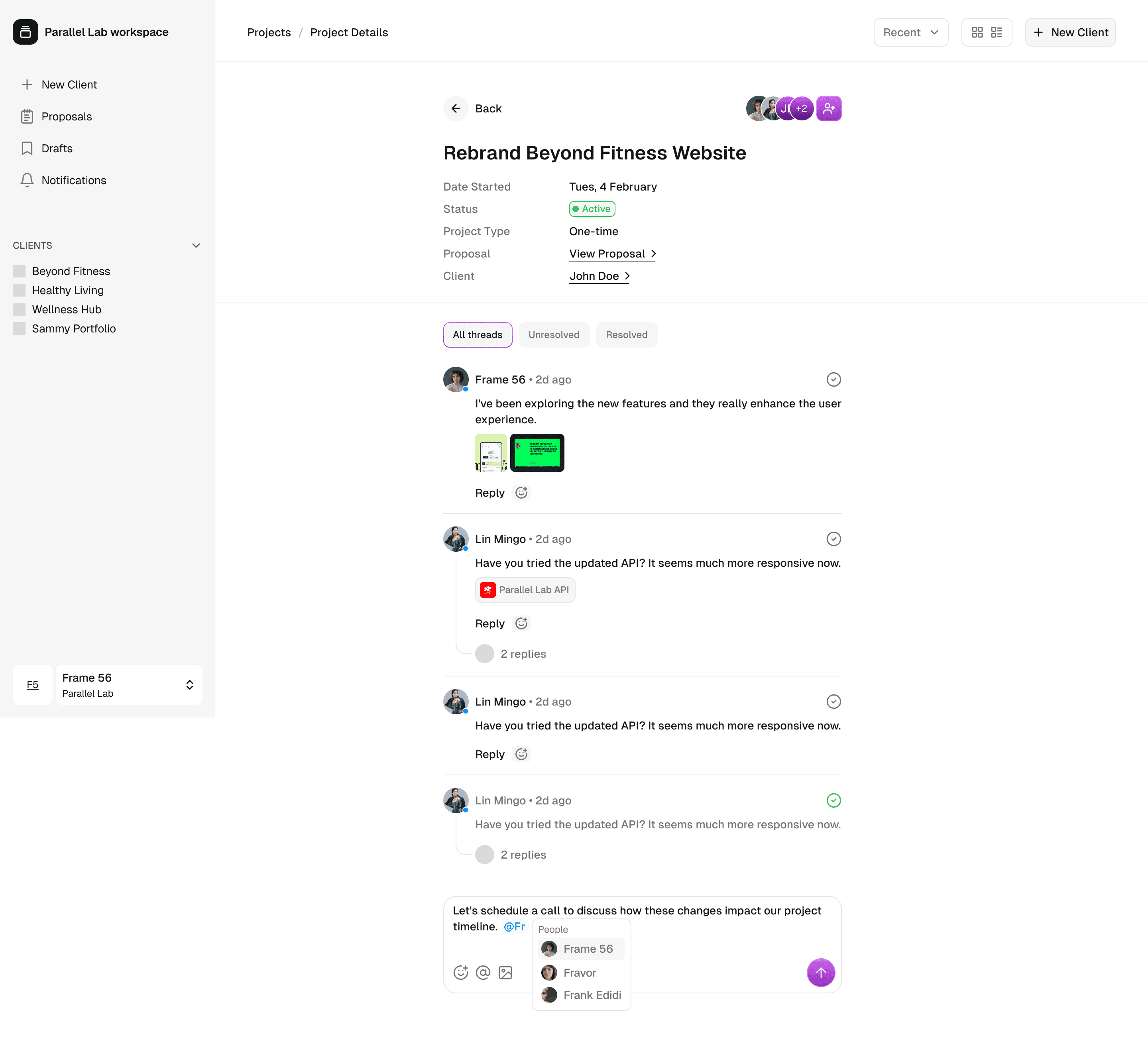
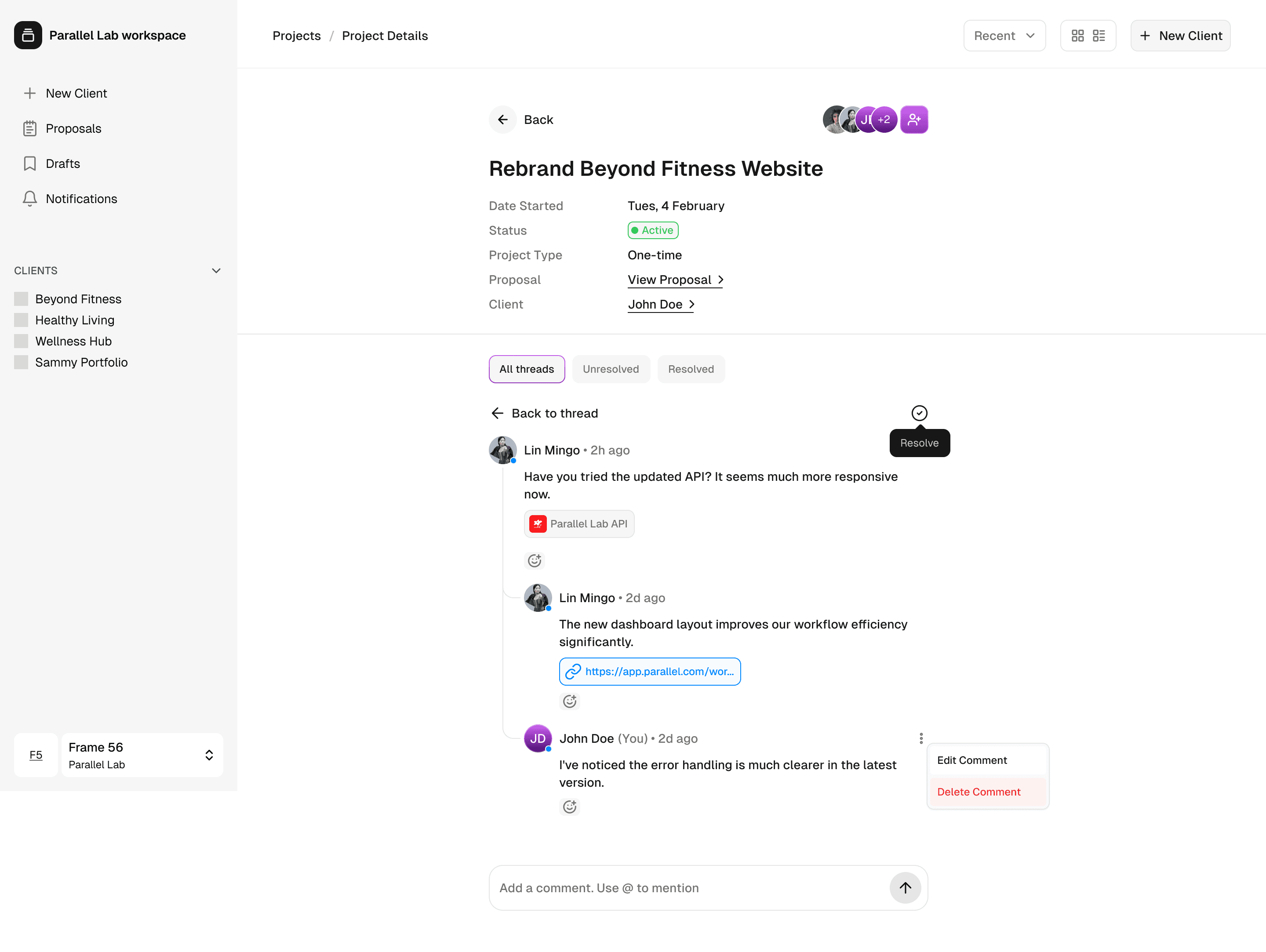
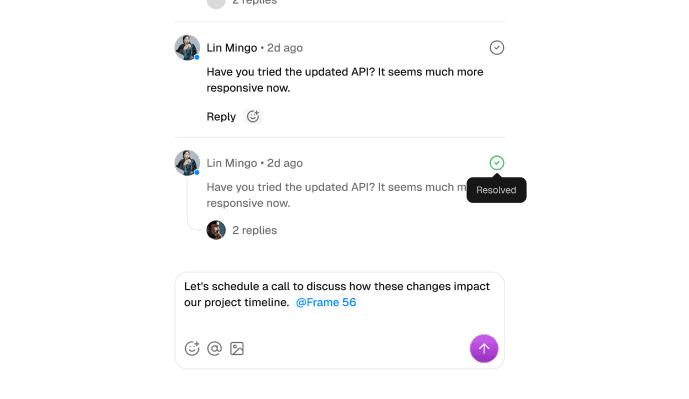
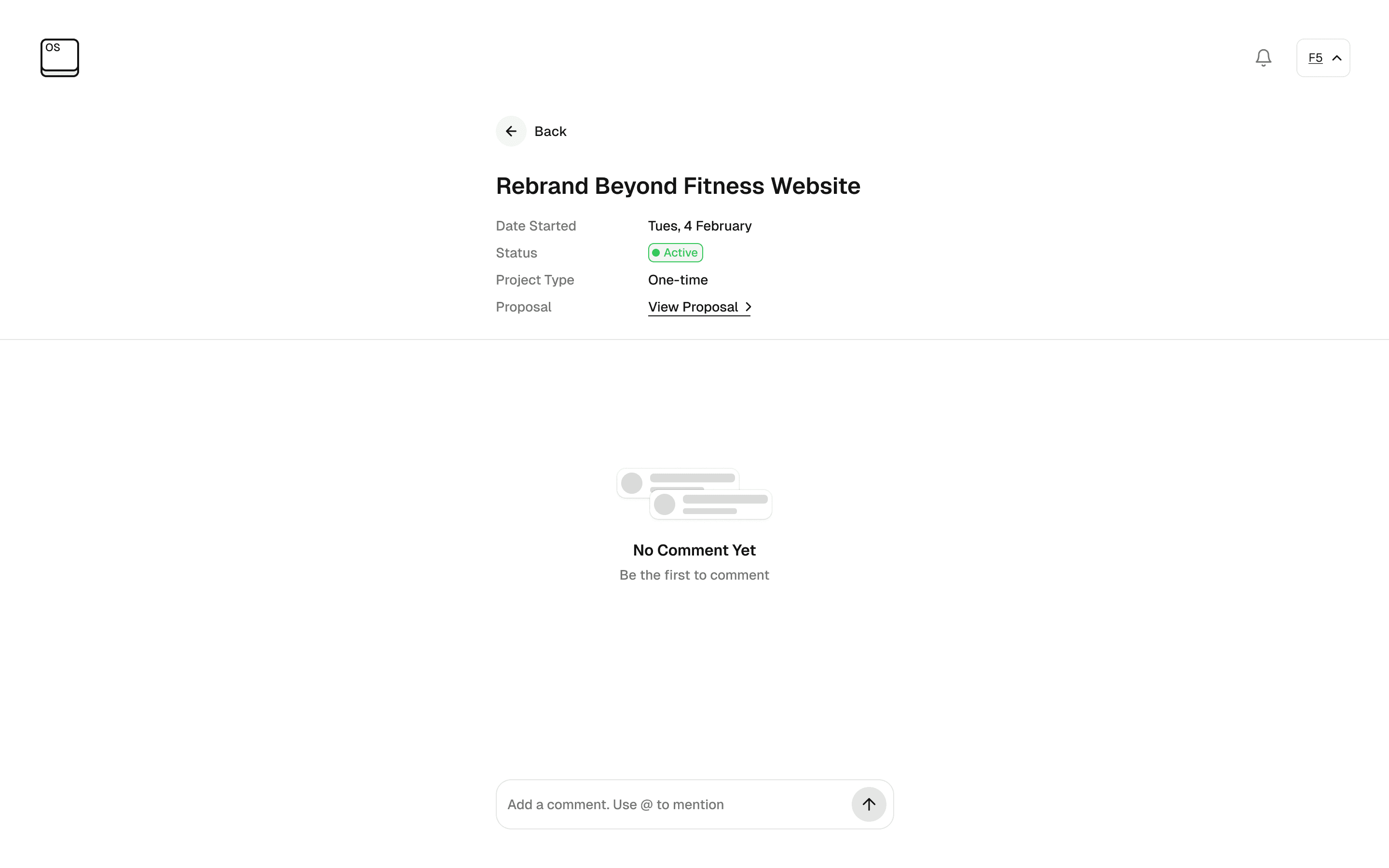
Project updates: The project page replaces WhatsApp as the communication layer. The studio posts updates — text, images, files — and the client is notified by email with a deep link directly to the update. Comments are fully attributed and timestamped. Every interaction is on the record, permanently.
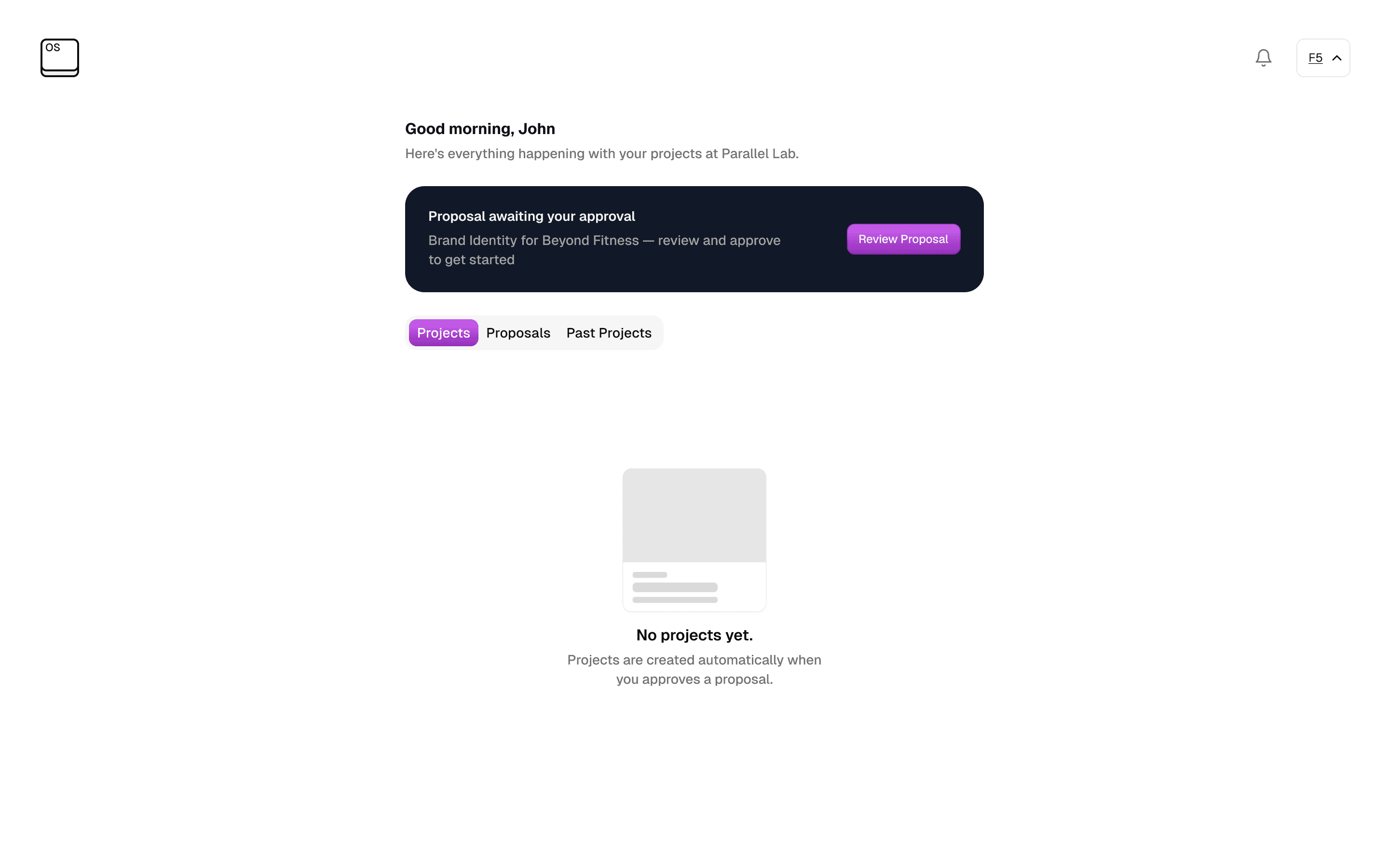
Delivery and payment: When the studio marks a project as delivered, the client receives a balance payment request through Paystack. No manual invoicing, no chasing, no awkwardness. The payment closes the project. The client's dashboard shows a completed project in their history, ready for the next engagement.
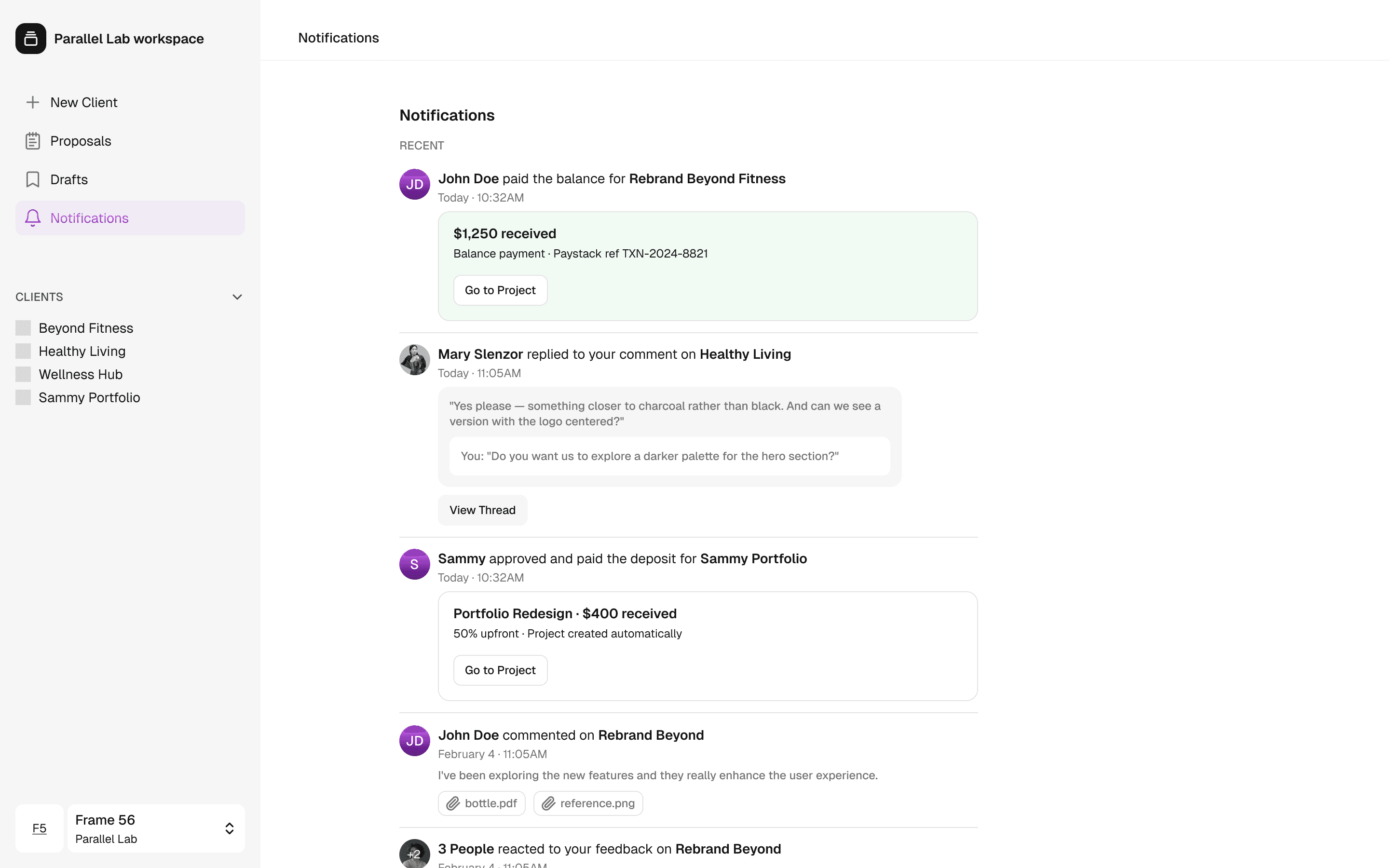
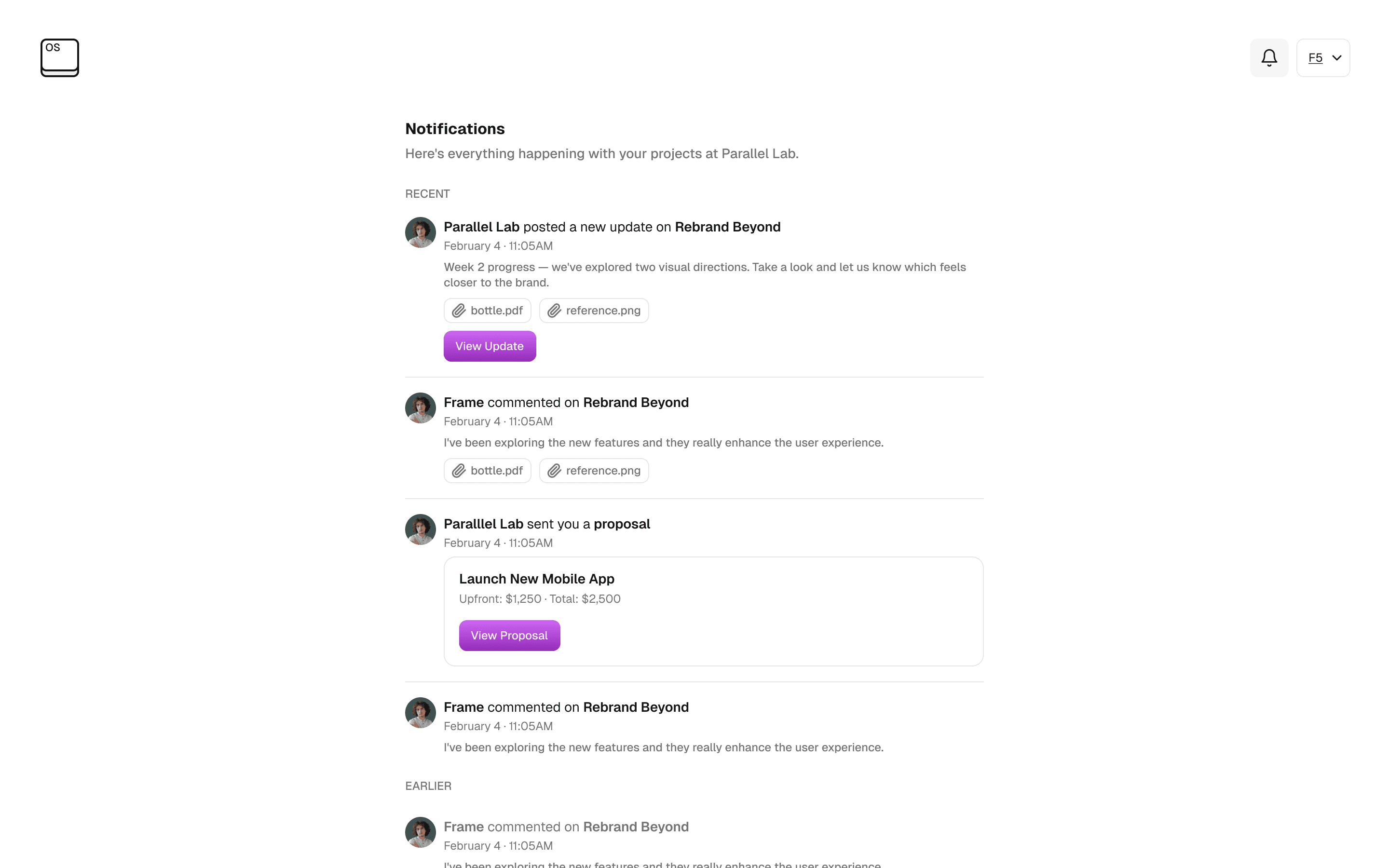
Notifications: Both the studio and client receive contextual, avatar-led notifications in a conversational feed — not a list of system alerts. When a client replies to a studio comment, the thread is shown inline. When a proposal is sent, an embedded proposal card appears in the feed with the price and a direct CTA. Reactions, attachments, payment confirmations, and team events all surface in the same feed, keeping both sides informed without friction.
Credits
This is an internal tool built for and by Parallel Lab. The product emerged from a discovery process I led, working closely with the founding team across design and engineering to translate a real operational pain into a considered system.